Please take 3 minutes to read this if this is your first time visiting APU's 360 Virtual Tour
It may take up to 10 seconds to fully load the virtual tour
Currently some areas for Floor 4 are done while Floor 3 is fully done
Welcome to APU's 360 Virtual Tour
Here is a guide for you to explore APU virtually
Difference between General Tour and Floor by Floor Tour
General Tour: Only shows all of APU facilities and does not contain buttons, use the menu to navigate
Floor by Floor Tour: Shows every area, facilities including walkways and contains buttons, you may use the menu to navigate through different facilities and floors area
There are 2 different modes to use view the 360 images (Only available on desktop view)
Look Around Mode: Uses your mouse
and allows you to view the APU in first-person view as if you are
actually there
(Press ESC button on your keyboard
to exit the view show mouse cursor)
Drag-to-View Mode: Allows you to pan around the screen by dragging around the screen with your mouse
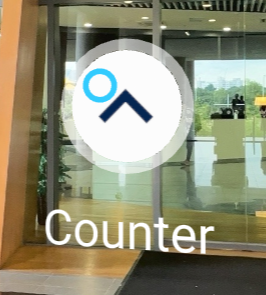
When your cursor hovers on the button, it will turn to blue
Desktop View: While hovering on the button, click on it to go to the next area
Mobile View: While hovering on the button, wait for about 2 seconds and it will bring you to the next area
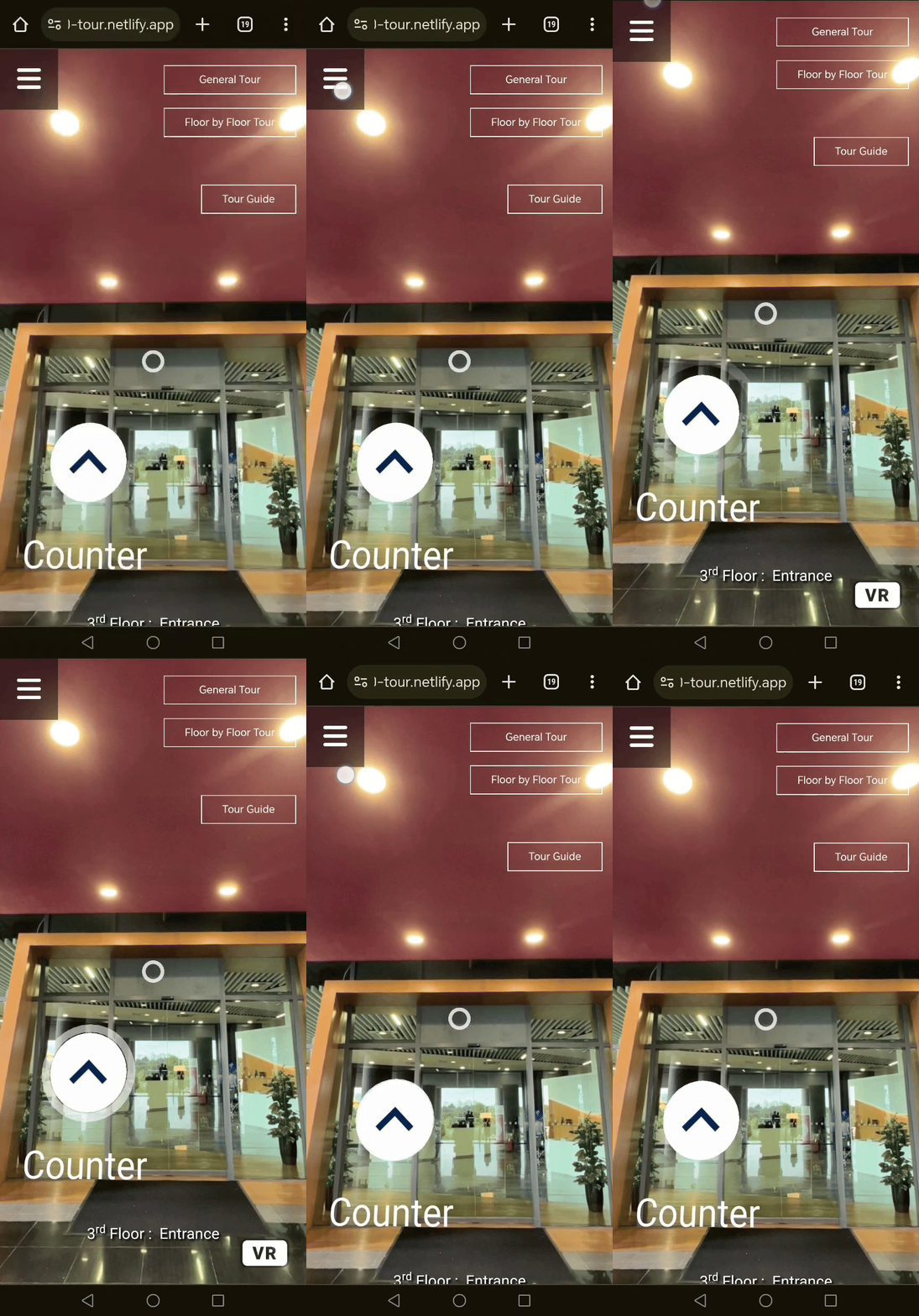
Currently the mobile view does not entirely show the webpage (As you could see the words at the bottom of the screen is half shown) due to the mobile's browser bar, therefore there is a quick fix in the GIF above by pulling down and up the screen from the button menu above